
Technology, simplified
Veteran journalist Jeremy Wagstaff (Reuters, BBC, WSJ) is recognised as a key technology writer, a trusted and respected voice for consumers and the industry. He is now bringing that experience and knowledge to consulting, helping companies and organisations large and small create content that helps them stand out across a fast-moving industry.
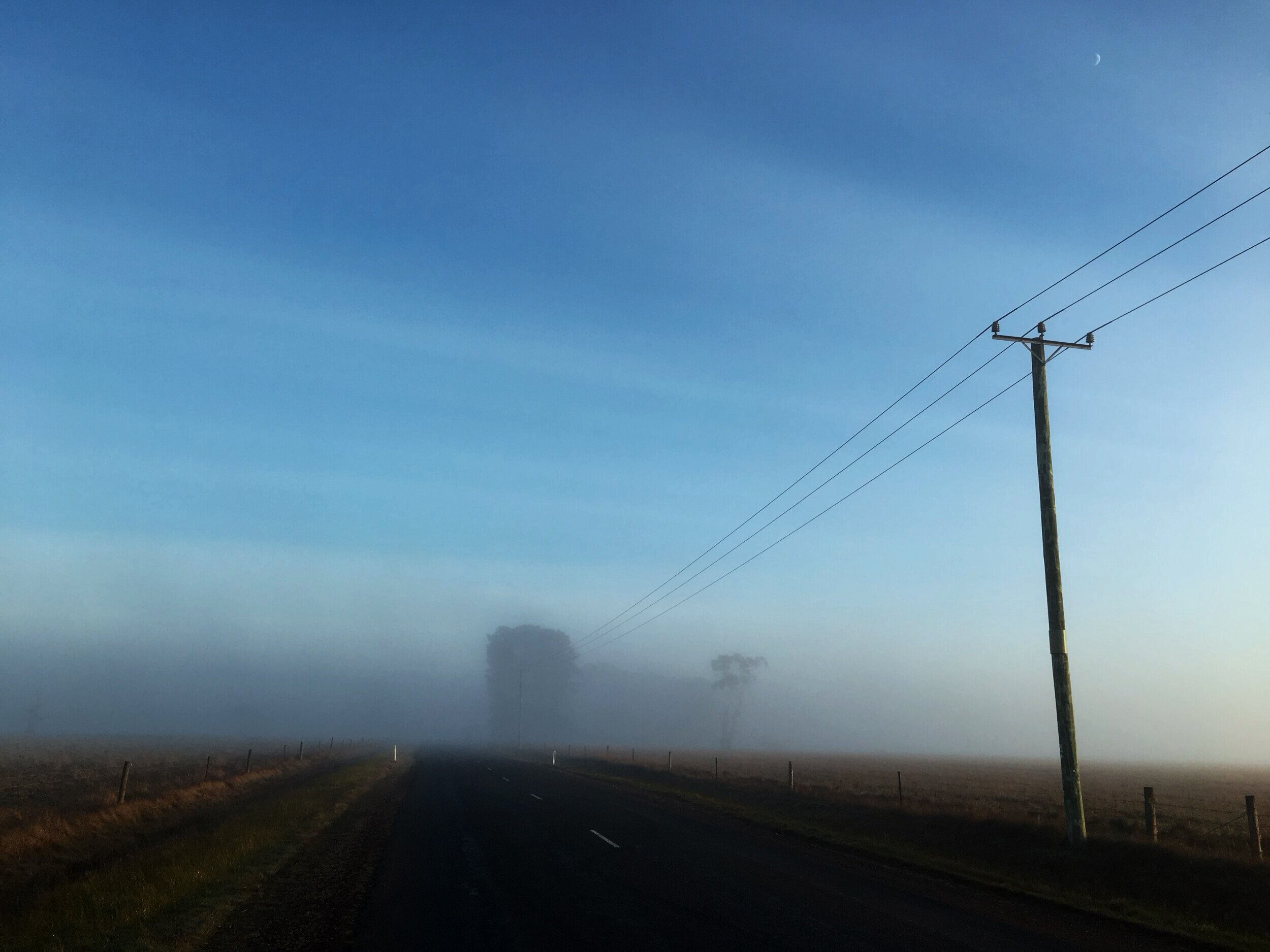
(Photo: Nile Road, Evandale, Tasmania, 2019)
Who we are
Cleft Stick is a boutique consultancy headed by veteran journalist Jeremy Wagstaff (former WSJ, Reuters, BBC), focused on helping companies and organisations large and small hone their message and strategy, research technologies and their impact on markets, societies and countries, as well as producing tech-related content (white papers, etc.) to position clients better in a fast-moving world. Clients ranger from U.S. blue chips to government agencies to blockchain and media start-ups.
What are you looking for?

Research
Want to understand your market better? We do bespoke research of markets, technologies and their impact.

Consultation
Does your company have an identity crisis? We can help provide better meaning to what you do.

Content
Need to deliver a message but not sure how? We can help you define your core message and how best to deliver it.
Select clients


Cleft Stick? Loose Wire?

A Central African Republic postage stamp commemorating old mail delivery methods using a cleft stick.
The Loose Wire blog is one of tech journalism’s first, running since 2001. It collects Jeremy's writings for the Journal, The Far Eastern Economic Review, BBC and Reuters, as well as pieces he writes for his own network. The name is taken from Jeremy’s WSJ column.
Cleft Stick refers to a device used by runners in the pre-telegraph days to carry messages, letters and news. Among journalists it’s best known as one item of equipment carried by Evelyn Waugh’s William Boot on his reporting trip to Africa in Scoop. (He was advised to “take plenty”. He didn’t use any.)
For our company the name captures Jeremy’s dedication to producing the best and most compelling content he can, all the way from the first idea to the final edit.
Subscribe to the Loose Wire mailing list
Join the mailing list to get blog posts and discussions (usually) every week.
You can unsubscribe anytime.